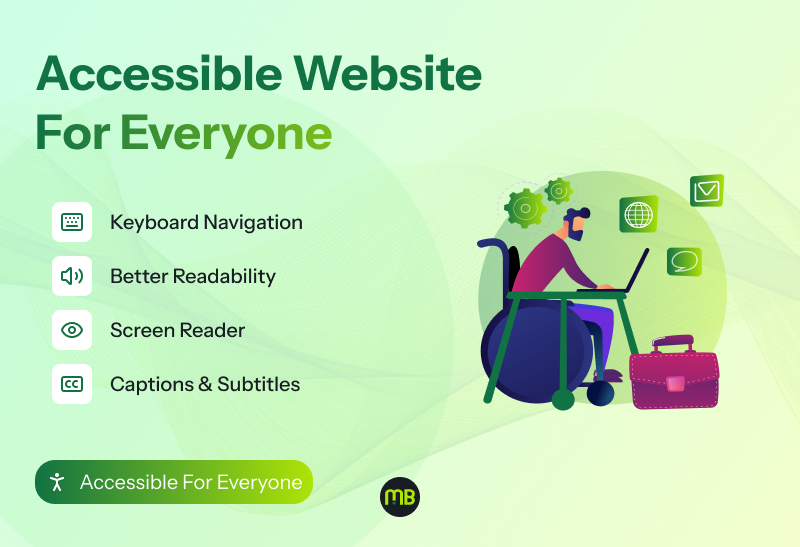
What Is ADA?
The Americans with Disabilities Act (ADA) is a U.S. civil rights law passed in 1990 that prohibits discrimination against people with disabilities across all areas of public life. It was originally written with physical spaces - buildings, public transport - in mind, but courts and regulators now widely apply it to digital spaces too, including websites, web apps, and mobile apps.
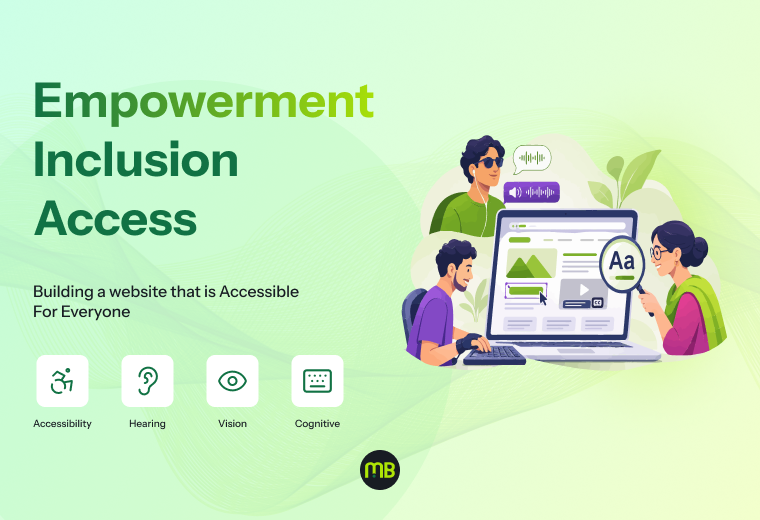
What Is ADA Compliance?
ADA compliance means designing and building a website so people with visual, auditory, motor, or cognitive disabilities can access, understand, and interact with it just as easily as anyone else often using assistive technology like screen readers, voice navigation, or keyboard-only controls.
Since there's no single official "ADA web checklist," most businesses and courts point to the Web Content Accessibility Guidelines (WCAG) - currently version 2.1/2.2 at Level AA - as the practical standard to meet.
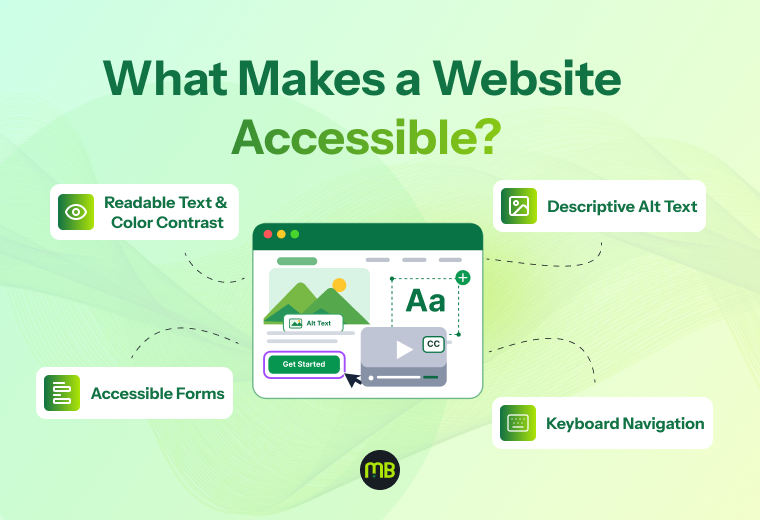
What ADA Compliance Covers
- Text alternatives – alt text for images, icons, and graphics so screen readers can describe them
- Keyboard navigation – every menu, form, and button usable without a mouse
- Color contrast – sufficient contrast between text and background for readability
- Readable structure – logical heading hierarchy (H1 → H2 → H3) and consistent layout
- Form accessibility – clearly labeled fields and understandable error messages
- Media accessibility – captions for video, transcripts for audio
- Resizable text – content that stays usable when text is enlarged
- Descriptive links and buttons – no vague “click here”; link text should describe the destination or action
- Assistive-technology compatibility – clean, semantic code that works well with screen readers and other tools
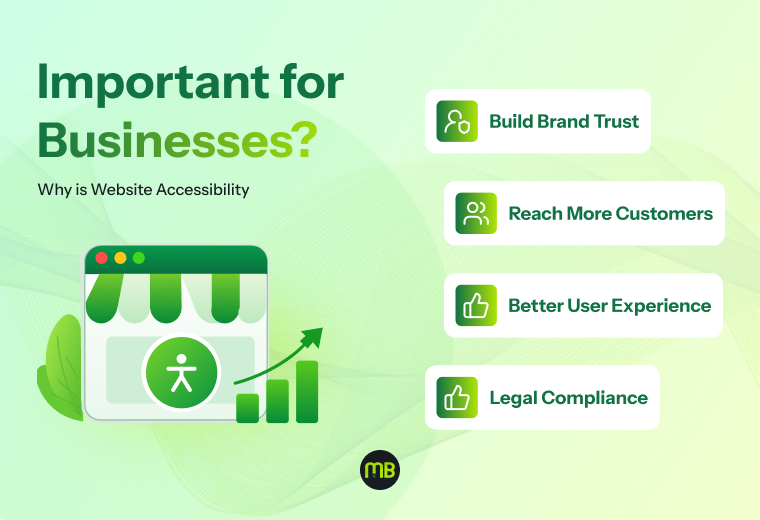
Why ADA Compliance for Websites Matters
- Legal risk – ADA-related website lawsuits have risen sharply in recent years, and businesses of every size, not just large enterprises, have faced demand letters and complaints over inaccessible sites.
- Wider reach – roughly 1 in 4 U.S. adults lives with some form of disability. An inaccessible site turns away a meaningful share of potential customers before they even get started.
- Improved SEO – many accessibility practices (alt text, clean heading structure, descriptive links) directly overlap with SEO best practices, so compliance work often boosts search visibility too.
- Better experience for everyone – captions help users in noisy environments, strong contrast helps outdoor mobile users, and clear navigation benefits all visitors, not just those with disabilities.
- Brand reputation – genuine commitment to inclusivity builds trust and goodwill with customers.
ADA Compliance and Accessible
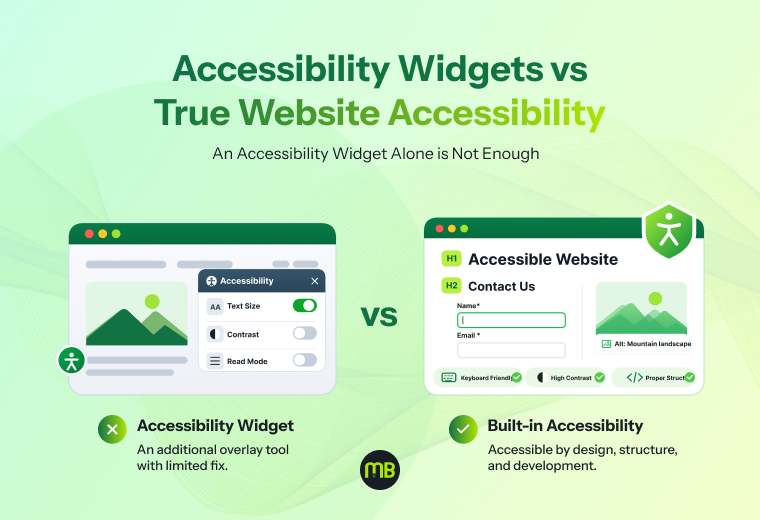
AccessiBe is one of the better-known tools marketed as an "instant" ADA compliance solution - it adds a JavaScript widget that adjusts things like contrast, font size, and screen-reader compatibility on the fly. It's a popular starting point, but worth knowing its limits:
- Overlay/widget tools like AccessiBe don’t fix underlying code issues – they layer adjustments on top of an inaccessible site rather than rebuilding it accessibly.
- Several overlay providers, AccessiBe included, have themselves faced lawsuits and accessibility complaints, and disability advocacy groups have publicly cautioned against relying on overlays alone.
- Real compliance generally requires addressing accessibility at the design and development level – semantic HTML, proper ARIA labeling, tested keyboard navigation – not just a widget layered on top.
An overlay can be a useful supplement, but it shouldn't be treated as a full substitute for building accessibility into the site itself.
How to Make Your Website ADA Compliant
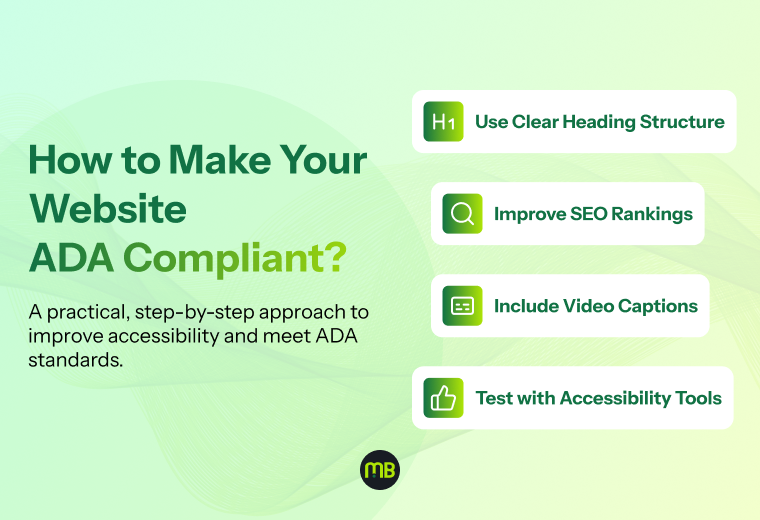
- Add alt text to every meaningful image – skip decorative images, but describe anything that conveys information.
- Ensure strong color contrast between text and background (WCAG recommends a 4.5:1 ratio for normal text).
- Make the site fully keyboard-navigable – tab through the entire site and confirm every element is reachable and usable.
- Use proper heading order – don’t skip levels or use headings purely for visual styling.
- Label all form fields clearly, with error messages that are easy to understand.
- Add captions/transcripts to video and audio content.
- Avoid relying on color alone to communicate meaning (e.g., “required fields are in red” – also label them).
- Use descriptive link and button text instead of generic phrases like “click here” or “read more.”
- Test with real tools – run checkers like WAVE, axe, or Lighthouse, and ideally test with an actual screen reader.
- Review regularly – accessibility isn’t a one-time fix; new content and features need the same checks as you go.
ADA compliance isn't just a legal checkbox - it's about making sure your website works for every visitor, regardless of ability. Getting there takes more than a quick overlay tool; it means building accessibility into your design, code, and content from the ground up, then testing and maintaining it over time.
Building and maintaining an ADA-compliant website can feel overwhelming - but you don't have to do it alone. MBTemplates offers ADA compliance services, helping you audit your existing site, fix accessibility gaps, and keep your website aligned with WCAG standards so you can serve every visitor and stay protected from legal risk.