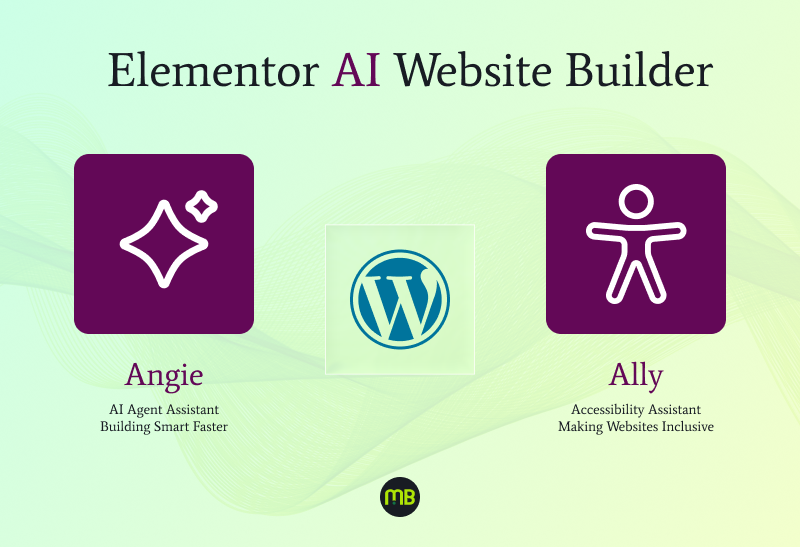
Elementor’s Fall 2025 release doesn’t just add features it changes how you scope, price, and deliver Elementor AI website builder work for clients who now expect both speed and legal safety. Two names sit at the center of this shift: Ally, the accessibility layer, and Angie, the agentic AI assistant. If you build WordPress sites for agencies or freelance clients, understanding what these tools actually do and where they still need human oversight will shape how you plan your next project.
For years, Elementor was known mainly as a drag-and-drop page builder. With Ally and Angie built in, it’s positioning itself as a full Elementor AI website builder platform, one that handles compliance checks and content generation inside the same editor you already use. That’s a meaningful change for anyone who has previously bolted on a separate audit tool or paid outside help just to confirm a site meets baseline accessibility standards.
Elementor's Fall 2025 Shift: Meet Ally and Angie
Ally and Angie ship as two distinct layers of the same update, and it helps to think of them as separate roles on a project team. Ally reviews your work; Angie helps produce it. Together they turn Elementor into something closer to an assisted build environment than a plain page builder, which is exactly why agencies are paying attention this fall.
What Ally Does: The Elementor AI Website Builder Accessibility Checker Explained
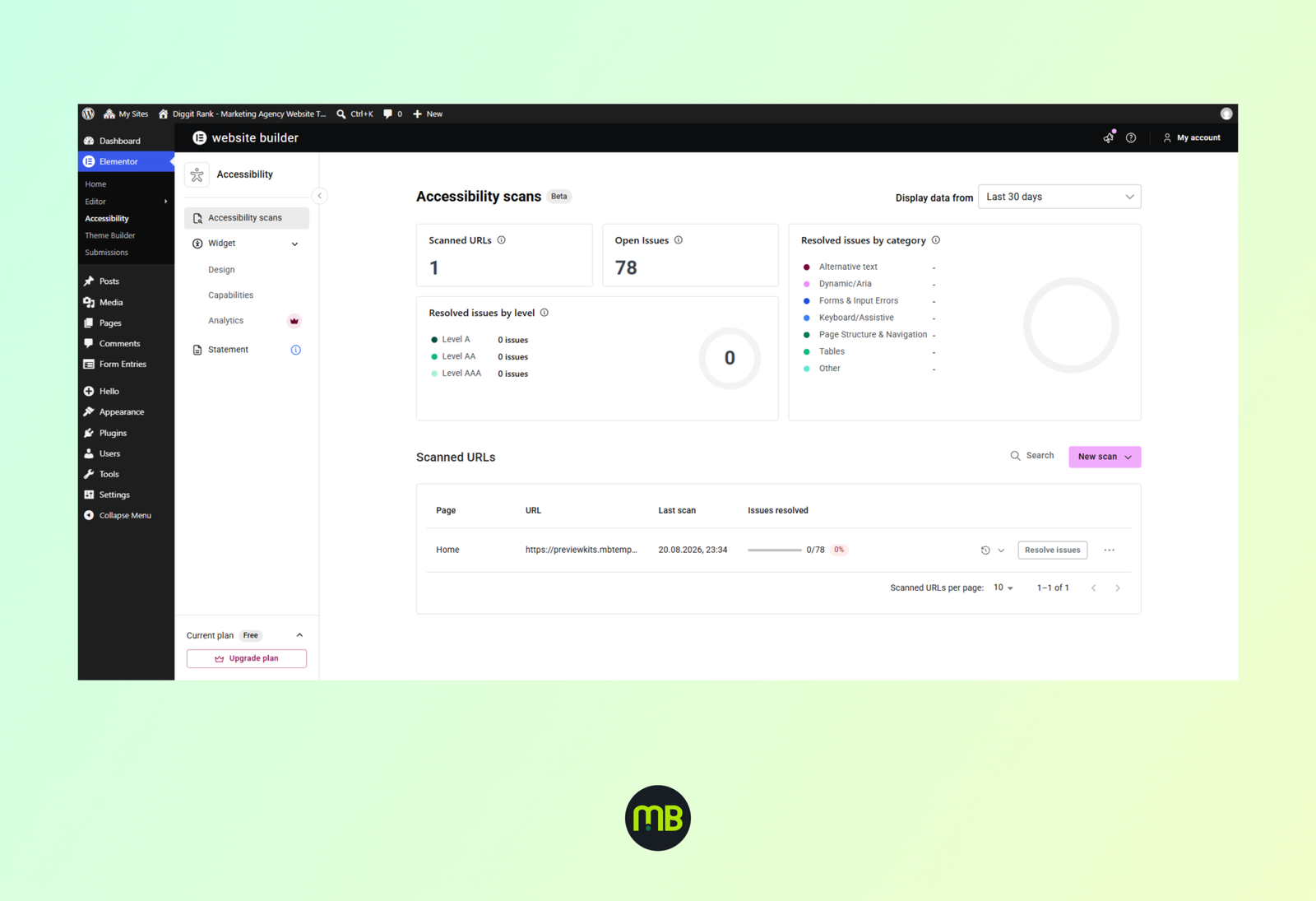
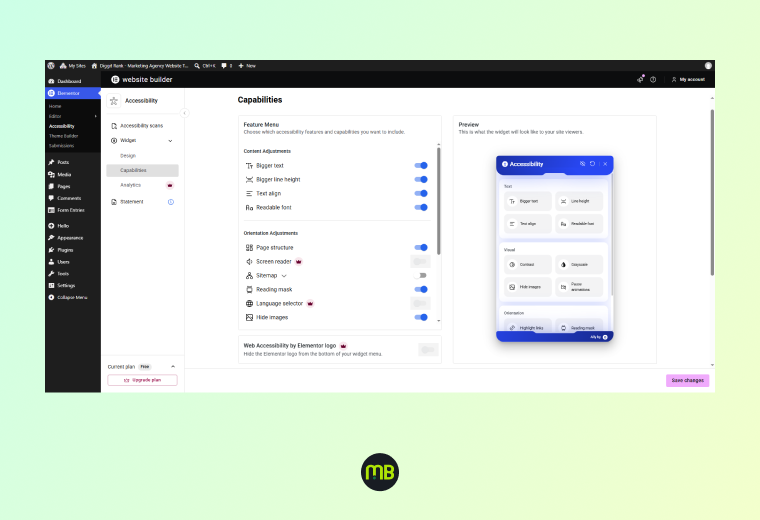
Ally is Elementor’s built-in accessibility checker, and it runs directly inside the editor rather than as a bolt-on plugin you have to remember to activate. As you build, Ally scans your layout for common issues: missing alt text, poor color contrast, heading structure that skips levels, form fields without labels, and interactive elements keyboard users can’t reach.
For agencies, the practical value isn’t the scan itself plenty of standalone accessibility checkers already do that. The value is timing. Ally flags problems while you’re still building the page, not after a client has already approved a design and you’re stuck reworking finished sections. That shift from an after-launch audit to a catch-as-you-go habit is what actually reduces the awkward follow-up invoice explaining why a compliance fix costs extra.
It’s worth being clear about limits, though. The elementor ai website builder accessibility checker inside Ally handles structural and technical issues well, but it doesn’t replace a full manual review for sites in regulated industries healthcare, education, and other services where legal exposure runs higher. Templates built for those sectors, like Together Care for hospital sites or Odontic Care for dental practices, still benefit from a manual pass even after Ally reports a clean scan.
Making Your WordPress Site ADA Compliant Without Guesswork
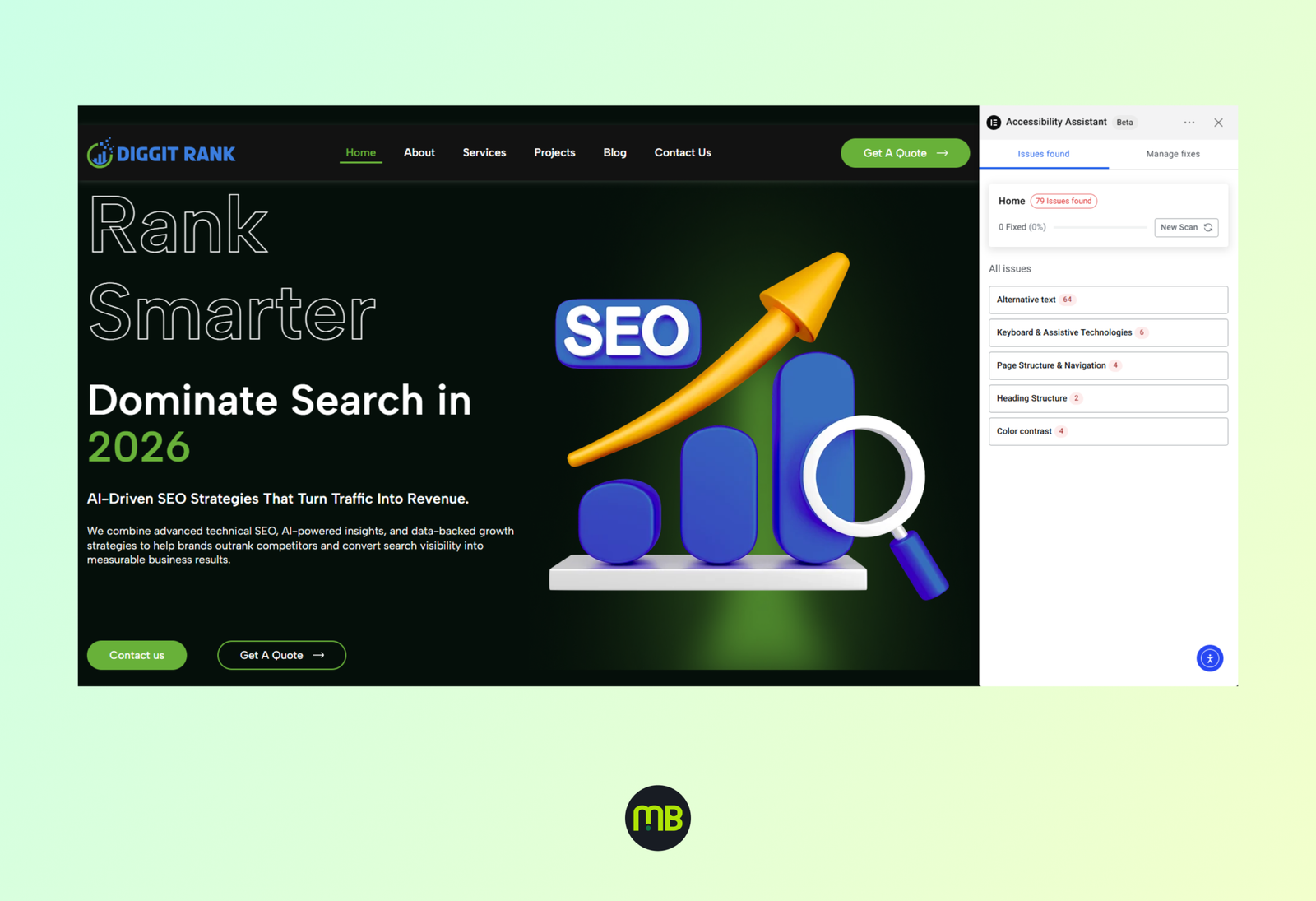
ADA compliance has always been a moving target for WordPress builders, mostly because there's no single official checklist just guidance drawn from WCAG standards and interpreted through case law. Ally doesn't hand you a certificate, but it does turn most of the guesswork into a visible task list inside the editor.
If your goal is to make a WordPress site ADA compliant for a client in a sensitive industry, treat Ally as the first pass, not the final word. A practical workflow looks like this: build the page, run Ally's scan, fix flagged contrast and structure issues, then manually tab through the page using only a keyboard to confirm every interactive element is reachable and visibly focused.
This matters most for service businesses where accessibility failures create real liability clinics, medical offices, and similar sites. Starting from a template already structured with sensible heading hierarchy, like Physic Care for physiotherapy sites, means Ally has less to flag in the first place. An ada compliant website wordpress build is easier to reach when the starting layout was designed with semantic structure in mind, rather than retrofitted after launch.
Angie: Agentic AI Website Builder Features for Faster Builds
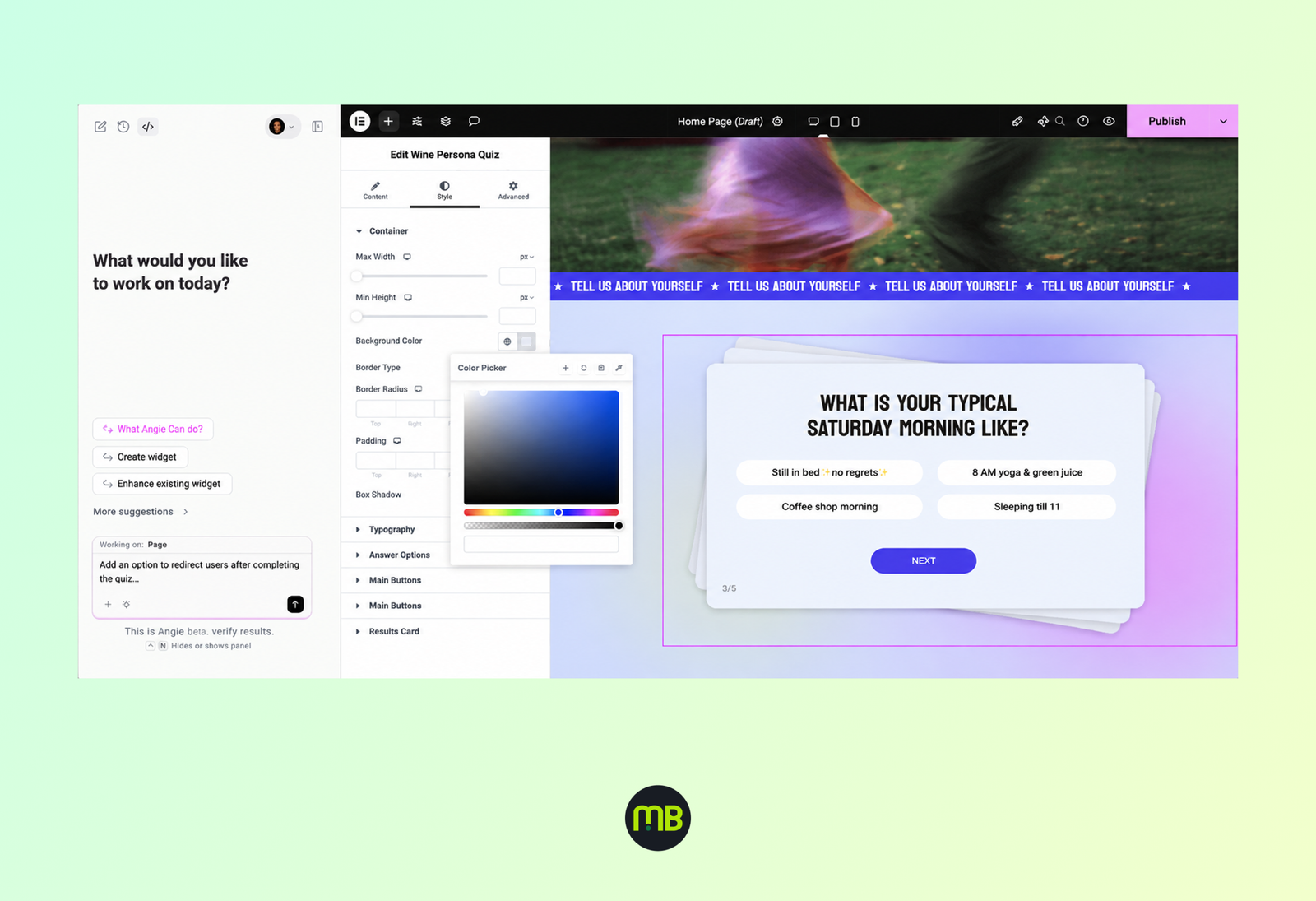
Angie is the other half of this release, and she's a different kind of tool entirely. Where Ally checks your work, Angie does work she's Elementor's agentic AI website builder assistant, meaning she can take a plain-language instruction and carry out multi-step actions across a site rather than just generating a single block of text.
Ask Angie to add a services section with three columns, generate placeholder copy, and apply your brand's color palette, and she'll handle all three steps without you switching panels each time. That's the "agentic" part she chains actions together based on intent, not just a single prompt-and-response exchange. For the official rundown of what Angie can currently do, see Elementor's own blog.
For agencies, the immediate benefit is speed on first drafts. Angie can rough out a homepage structure fast enough that your team spends its billable hours on refinement and client specific polish instead of blank canvas setup. As a first-pass agentic ai website builder tool inside a familiar Elementor AI website builder workflow, she removes a lot of the tedious setup work that used to eat the first few hours of a project.
How This Changes Client Handoffs and Project Scope
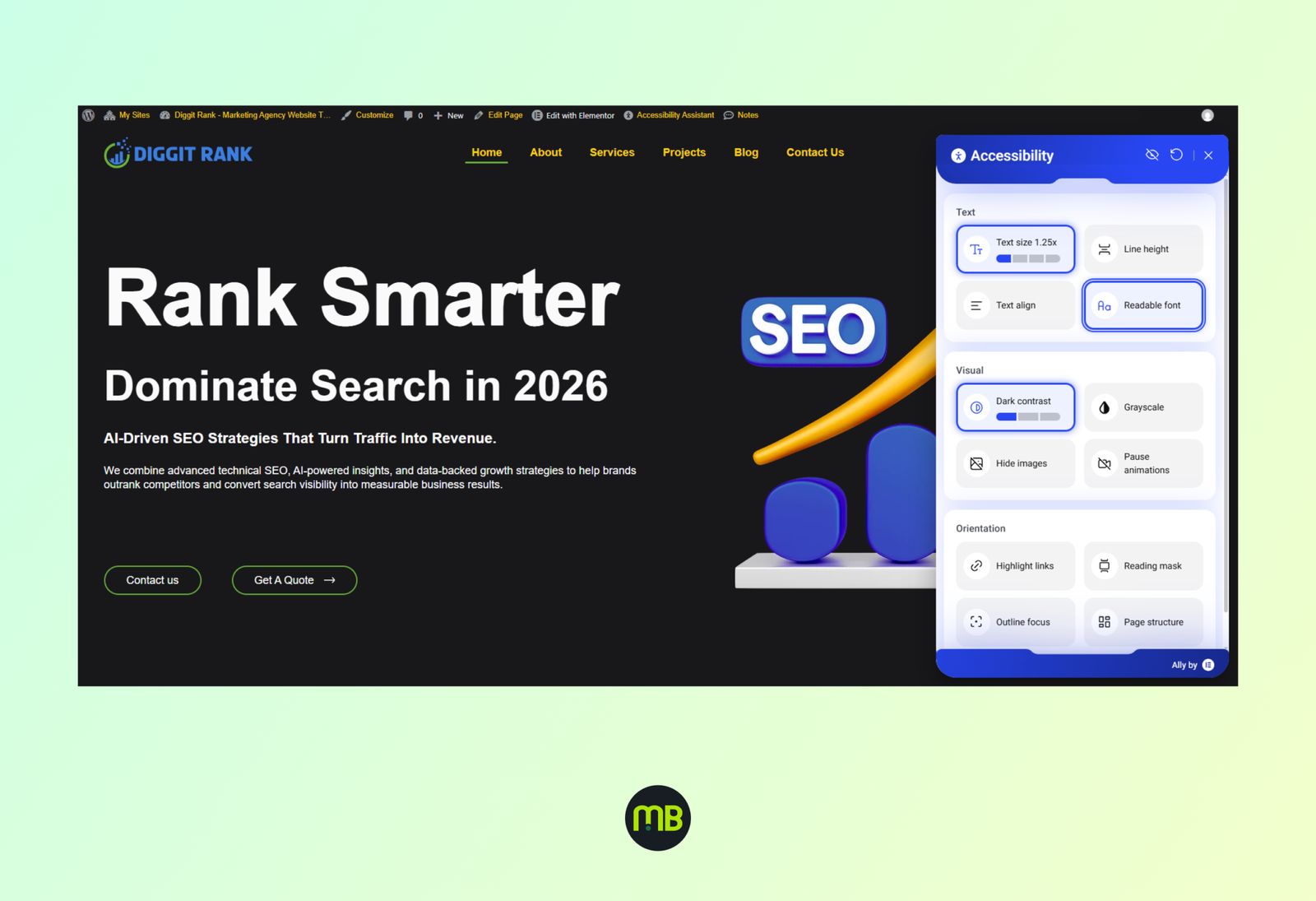
Once Ally and Angie are part of your standard toolkit, a few things shift in how you talk to clients. Accessibility can move from an optional addon service to a standard line item, since Ally makes it far cheaper to deliver you're not billing for a separate audit, just for the fix time the scan surfaces. That's worth stating directly in your proposals.
Angie changes the front end of your process. Instead of starting from a blank Elementor canvas, you can generate a rough structure in minutes and spend the client kickoff meeting reacting to something concrete instead of an abstract mood board. That tends to shorten the revision cycle, because clients respond better to a real layout than a description of one.
Neither tool changes what clients are actually paying for: a finished site that works, looks right, and won't get flagged for accessibility complaints later. They just change how much of your time goes into mechanical setup versus judgment calls.
Choosing the Right Elementor Template Kit to Pair With AI Tools
Ally and Angie work on top of whatever structure you give them they don't fix a poorly organized layout, they just tell you it's poorly organized. That's why the starting template still matters as much as ever, maybe more, since a clean base means fewer flags to chase before launch.
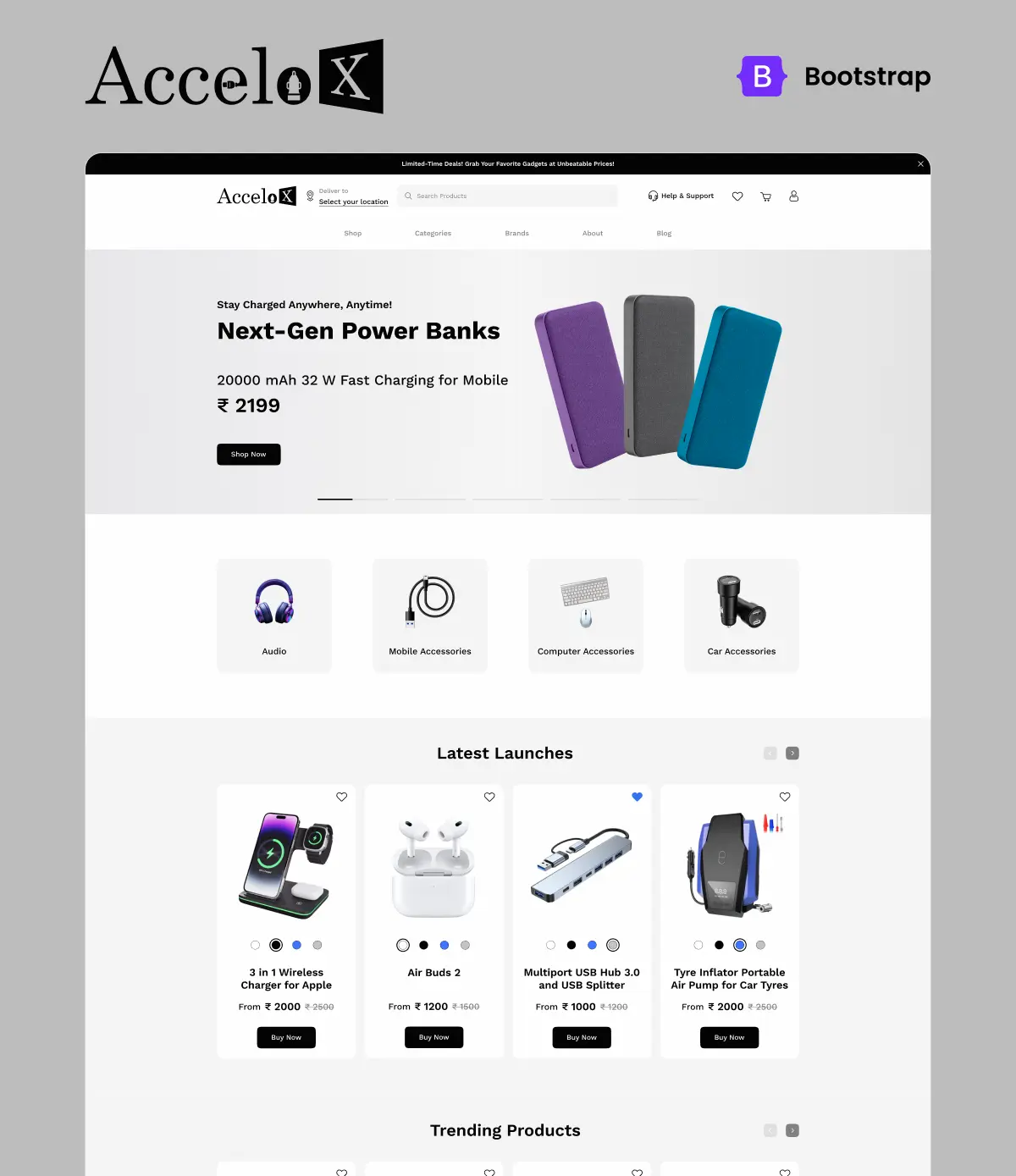
Industry-specific kits tend to perform best here because they already reflect the content patterns Ally and Angie expect. A marketing agency site built from Diggitrank starts with a heading structure and section flow suited to service pages, so Angie’s generated copy slots in without restructuring. A hosting or SaaS company using Keepter benefits the same way, since pricing tables and feature grids are already accessible by design.
The same logic applies to local service businesses. A construction firm working from RealVue or a pet care business using Simplete Pet Care gets a head start on both compliance and AI assisted editing, because the template’s structure was built with real content in mind rather than filler text. If you’re new to how these kits work alongside Elementor’s AI layer, our guide on what an Elementor template kit actually includes is a good primer before you start.
Getting Started With MBTemplates and Elementor's AI Tools
None of this requires ripping up your current process. Start small: run Ally's scanner on your next build before launch, and try Angie for a first-draft homepage on a low-stakes project to see how much editing her output actually needs. Pair either tool with a template built for the client's industry and you'll spend less time fighting the AI's suggestions and more time refining them.
If you want a deeper look at why starting from a structured kit beats building from scratch even with AI in the mix, read our breakdown on why pre-made template kits save time and money. And when you’re ready to pick a starting point for your next Elementor AI website builder project, browse the full collection in the MBTemplates shop.
Frequently Asked Questions
No. Ally catches structural issues like contrast and missing labels as you build, but sites in
regulated industries still benefit from a manual review before launch.
Availability depends on your Elementor plan tier. Check Elementor’s own documentation for
the specific requirements tied to Angie’s agentic AI website builder features.
Ally significantly reduces the manual audit work needed to make a WordPress site ADA
compliant, but full compliance also depends on content decisions — alt text quality, video
captions — that still require human judgment
Yes. Templates with clean heading structure and semantic markup give Ally fewer issues to
flag and give Angie a better base to generate content into, saving time on both ends.
Angie is agentic, meaning she can execute multi-step actions inside the editor — adding
sections, applying styles, generating copy — rather than just returning text you paste in
manually.
Many are shifting it into standard project scope since Ally makes the check cheaper to deliver,
but always disclose it clearly in proposals so clients understand what’s included.