Building a professional WordPress website used to require months of coding knowledge and expensive developers. In 2026, that is no longer true. With the right Elementor kit, anyone from a complete beginner to an experienced freelancer can launch a stunning, fully functional website in hours.
In this complete guide, we show you exactly how to use an Elementor kit to build a WordPress website from scratch no coding, no design experience, no problem.
What Is an Elementor Kit?
A WordPress Template kit is a complete, ready-made website design bundle built for the Elementor page builder on WordPress. Unlike single page templates, a Template kit includes a full set of cohesive, professionally designed pages homepage, about, services, contact, blog, and more all styled consistently and ready to import with one click.
Think of an Template kit as your complete website blueprint. You import it, replace the placeholder content with your real information, and your professional website is live.
At MBTemplates, every Template kit is crafted by professional designers for specific industries from healthcare and education to construction, fashion, and digital marketing. Browse our full collection of premium Elementor kits to find the perfect match for your project.
Why Use an Elementor Kit Instead of Building From Scratch?
Every web professional eventually faces the same question should I build from scratch or use an Elementor kit? Here is why the kit wins every time for 95% of projects:
- Speed: A template kit reduces a 40-hour custom build to 4-6 hours of setup and customization
- Design Quality: Every template kit is designed by professionals, consistent spacing, typography, color hierarchy, and visual balance built in
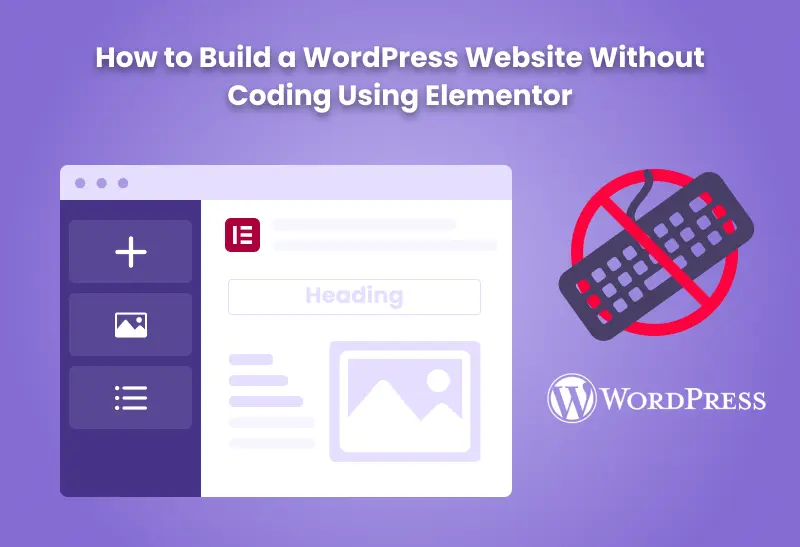
- No Coding Required: Elementor’s drag-and-drop editor lets you customize every section visually no HTML, CSS, or JavaScript knowledge needed
- SEO Ready: Premium WordPress template kits from MBTemplates are built with clean semantic HTML, correct heading hierarchy, and fast-loading assets
- Industry Specific: Choose an Template kit built for your exact niche not a generic layout adapted for every purpose
Step-by-Step: How to Build a WordPress Website Using an Elementor Kit
Step1 Choose Your Domain and Hosting
Before installing your Template kit, you need a domain name and WordPress hosting. Choose a domain that reflects your brand short, memorable, and ideally ending in .com. For hosting, opt for a managed WordPress host that supports PHP 8.1+ for best Elementor compatibility.
Step2 Install WordPress
Most hosting providers offer one-click WordPress installation from their dashboard. Once installed, log in to your WordPress admin at yourdomain.com/wp-admin.
Step3 Install Elementor
Go to WordPress Dashboard → Plugins → Add New → search for Elementor → Install and Activate. The free version of Elementor works with all MBTemplates Template kit products.
According to the official Elementor plugin page, Elementor is currently active on over 12 million websites making it the world’s most popular WordPress page builder.
Step4 Download and Import Your Elementor Kit
- Purchase your chosen Elementor kit from MBTemplates
- Download the kit files from your account
- In WordPress, go to Elementor → My Templates → Import Templates
- Upload the Elementor kit file
- Click Import, all pages load automatically with demo content
Your complete WordPress template kit is now live on your site with all pages, layouts, and styling fully intact.
Step5 Customize Your Elementor Kit
Click Edit with Elementor on any page. Using the drag-and-drop editor:
- Replace all placeholder text with your real content
- Swap demo images with your own photos
- Update colors to match your brand using Global Colors
- Change fonts using Global Typography settings
- Add or remove sections as needed
Because every page in the Template kit uses the same global design settings, updating your brand colors and fonts in one place updates them across the entire site instantly.
Step6 Set Up Essential Plugins
After importing your Template kit, add these essential plugins:
- Rank Math SEO → for on-page SEO optimization
- WP Fastest Cache → for site speed and Core Web Vitals
- UpdraftPlus → for automated backups
- Wordfence → for security scanning
Step7 Launch Your Website
Once your content is in place and your WordPress Template kit is fully customized:
- Remove the “Coming Soon” or maintenance mode
- Submit your sitemap to Google Search Console
- Verify your site in Google Search Console
- Share your new site on social media
Your professional WordPress website built entirely with an Template kit is now live.
Best Elementor Kits by Industry MBTemplates Collection
MBTemplates offers a growing library of premium WordPress template kits for every major industry. Each kit is designed specifically for its target audience:
Healthcare
- Hospital Website Template → Multi-specialty hospitals, Ayurveda clinics & telemedicine platforms
- Dental Website Template → Dental clinics, orthodontists & oral care practices
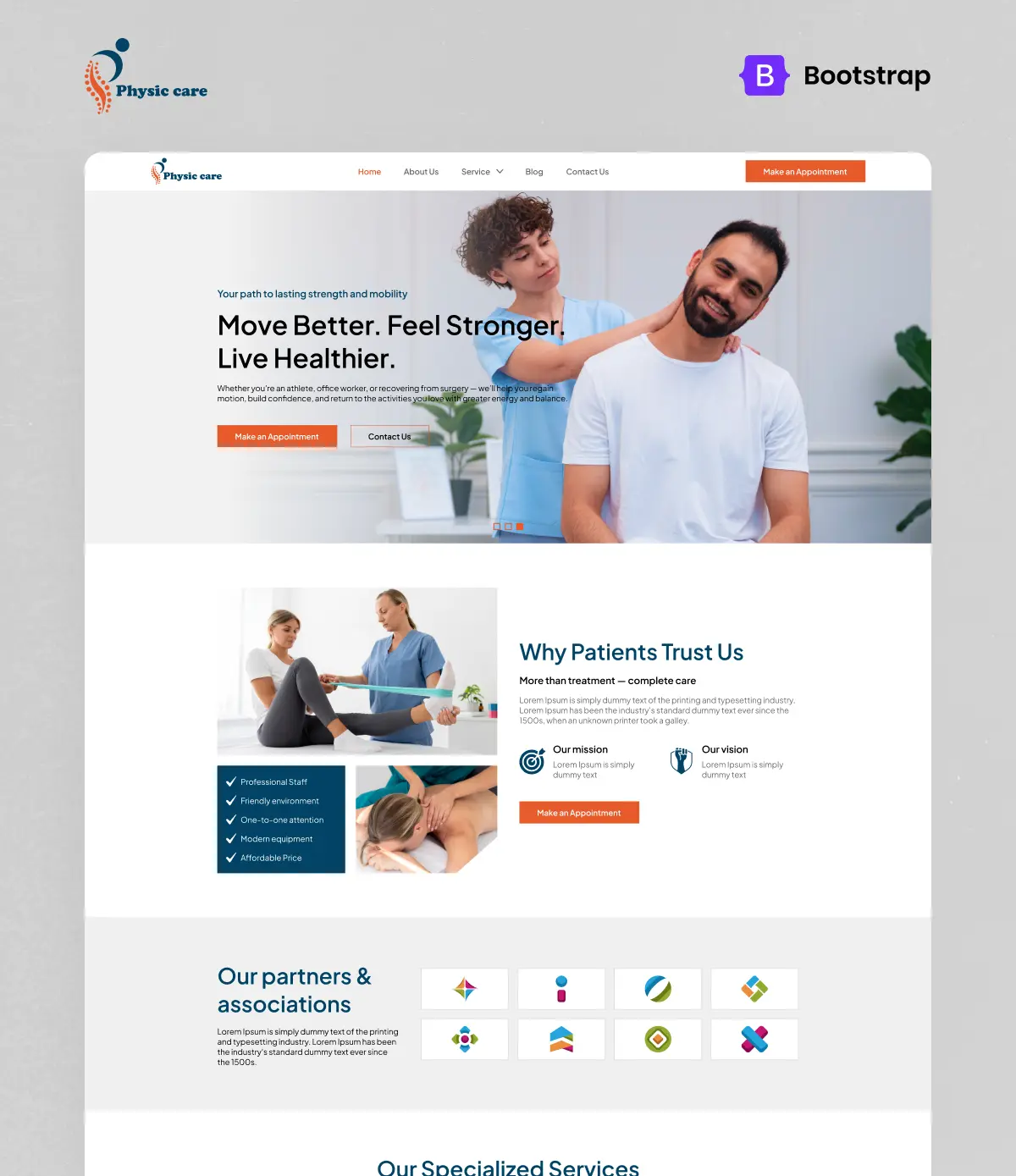
- Physiotherapy Website Template → Physio clinics, rehab centers & sports injury specialists
Education
- Education Website Template → eLearning platforms, LMS websites & online academies
Business & Marketing
- Digital Marketing Agency Website Template → SEO agencies, marketing firms & consultancies
- Hosting Website Template → Web hosting companies & cloud service providers
Creative & Portfolio
- Fashion Website Template → Fashion designers, stylists & creative professionals
Construction
- Construction Company Website Template → Builders, contractors & renovation firms
Every Elementor kit in the MBTemplates library comes with Figma source files, lifetime updates, dedicated support, and one-click import.
Elementor Kit vs WordPress Theme What Is the Difference?
Many beginners confuse Elementor Template kits with WordPress themes. Here is the key difference:
| Feature | WordPress Theme | Elementor Kit |
|---|---|---|
| Controls site structure | Yes | No |
| Controls page design | Partially | Fully |
| Drag-and-drop customization | Limited | Complete |
| Industry-specific layouts | Rarely | Yes |
| Import all pages at once | No | One-click |
| Works with any theme | – | Hello Elementor recommended |
The best practice is to use a lightweight blank theme like Hello Elementor (free, under 30KB) as your WordPress theme and let your Template kit control all the design and page layouts.
Common Questions About Elementor Kits
No. All MBTemplates kit products are fully compatible with Elementor Free. Elementor Pro adds extra widgets and features but is not required for our kits.
Yes. Each MBTemplates WordPress template kit purchase allows unlimited use across your own and client projects making it an exceptional value for freelancers and agencies.
Most users have a fully customized website live within 2-4 hours of importing their chosen Elementor kit compared to 40+ hours for a custom build from scratch.
Yes. Advanced users can import pages from multiple Elementor kit templates and combine them into a single site, using Global Styles to maintain visual consistency.
Final Thoughts Why an Elementor Kit Is the Smartest Way to Build on WordPress
In 2026, the most efficient and professional way to launch a WordPress website is with a premium Template kit. You get professional design quality, niche-specific layouts, one-click import, and complete drag-and-drop customization all without writing a single line of code.
Whether you are building your first website or your hundredth client project, starting with the right WordPress template kit gives you a professional foundation, a faster workflow, and a better result every time.
 Browse All MBTemplates Elementor Kits and choose the perfect Template kit for your next WordPress website.